Create your first dynamic QR code by yourself
22 July, 2025
• PLAN Documentation
• 182 views
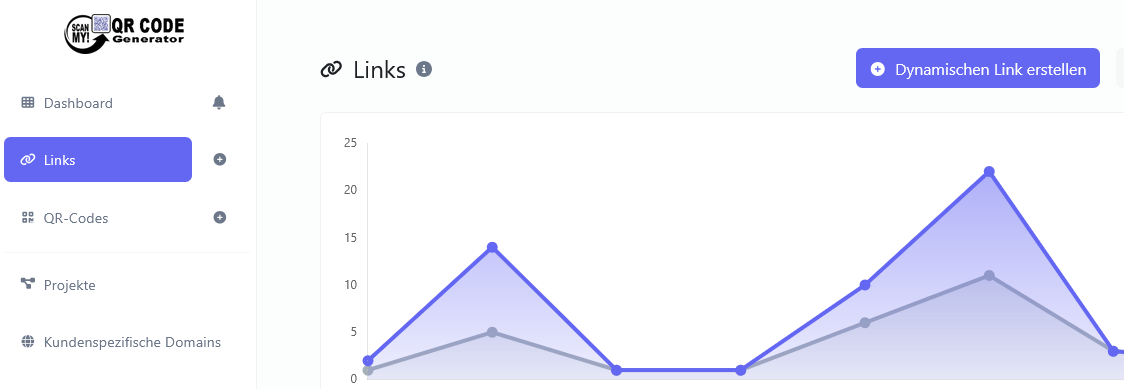
Create your first dynamic QR code by yourself
✅ It’s that easy:
- Register at scanmy.ch
- Choose “Link” as the QR code type
- Click “Create dynamic QR code”
- Enter your destination URL (e.g., www.my-site.ch)
- Assign a name to your link
- Create the QR code – done!
- You can change the URL anytime in the dashboard – the QR code stays the same!
🎯 Benefits:
- No technical knowledge needed
- Ready to use in minutes
- Ideal for anyone who wants to stay flexible
- Free trial version available